
Pick the kit before kick-off
A plugin for Football Manager 26 that adds a Kit Switcher button to the Team News screen. Choose which 3D kit each team wears in the match, mix shirt, shorts and socks, and rotate the result in 3D, all without leaving the game.
- Game
- Football Manager 26
- Price
- Free
What it does
Home, Away, Third and more
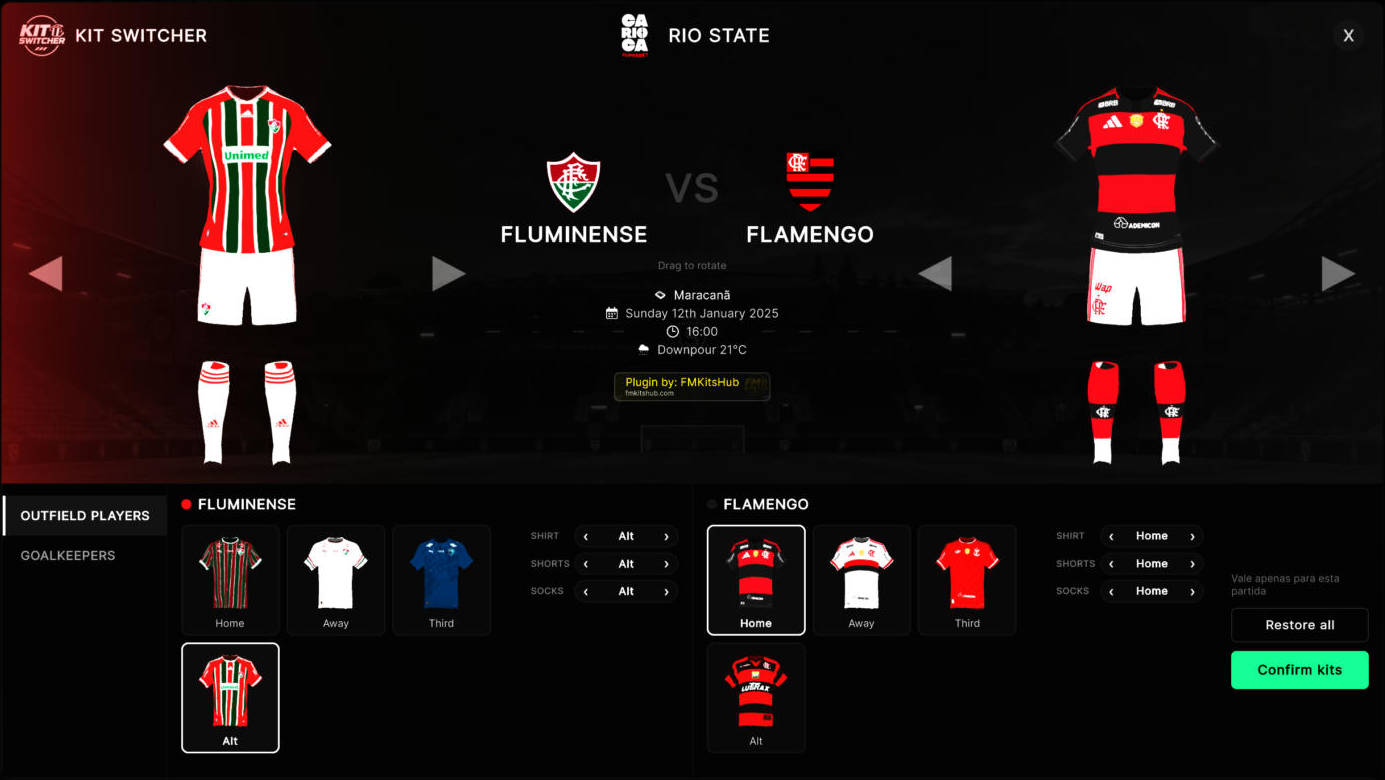
Every 3D kit in the club's folder shows up as a card, including extra ones like Alt. One click picks it for the match.
Mix the pieces
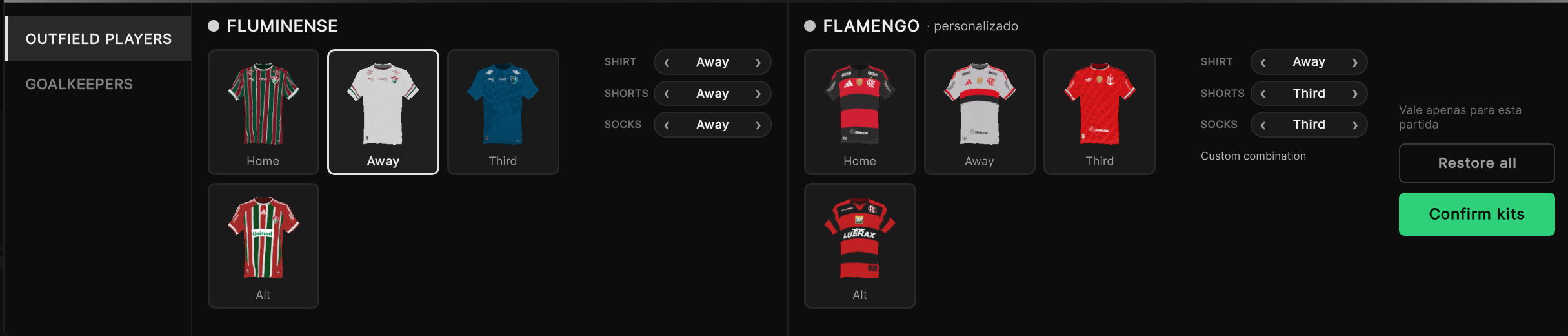
Shirt, shorts and socks are chosen separately, so you can play the Away shirt with the Third shorts. The window tells you when it is a custom combination.
Goalkeeper kits
A separate tab for the goalkeepers, with the same cards and the same piece-by-piece choice.
Live 3D preview
Both teams are shown in 3D and change as you click. Drag to rotate and check every detail before confirming.
Kits for any club
A club without 3D kit folders still gets kits: the plugin builds them in memory from the club's own colours, and nothing is written to your files.
Only for this match
The choice applies to the match you are about to play. Restore all brings the game's original kits back at any time.
Install in 3 steps
- 1Install BepInEx 6The plugin runs on BepInEx 6 for Unity IL2CPP (x64). Unzip it into the Football Manager 26 folder and open the game once, so BepInEx finishes its setup.
- 2Copy the pluginUnzip the plugin and copy the FMKitSwitcher folder to
BepInEx\pluginsinside the game folder. - 3Open Team NewsStart FM and open the Team News screen of a match. The Kit Switcher button is in the header, next to the club name.
Requirements
- Football Manager 26 on Windows (Steam, Epic or Xbox PC)
- BepInEx 6 for Unity IL2CPP (x64)
- 3D kits in your graphics folder (the FM Kits Hub app downloads them for you)
Questions
Does the choice stay for the next matches?
Do I need the other FM Kits Hub plugin?
The button does not appear. What now?
BepInEx\plugins and open the Team News screen of a match. Everything the plugin does is logged in BepInEx\LogOutput.log.Does it update itself?
Is it safe? Can I get banned?
How do I uninstall it?
BepInEx\plugins. Your kits stay where they are.Ready to choose your kits?
Free, and it never touches your kit files.
Unofficial fan project, not affiliated with Sports Interactive or SEGA.